Download T2G DOM
Enter the email used at purchase and your license key to access the licensed download area.
T2G DOM is available only to licensed users. Your license key was sent by email after purchase.
v3.7.87 What is new in v3.7.87 A Compact mode, light and dark themes, iceberg badges in Orders, and stops that follow the remaining position.
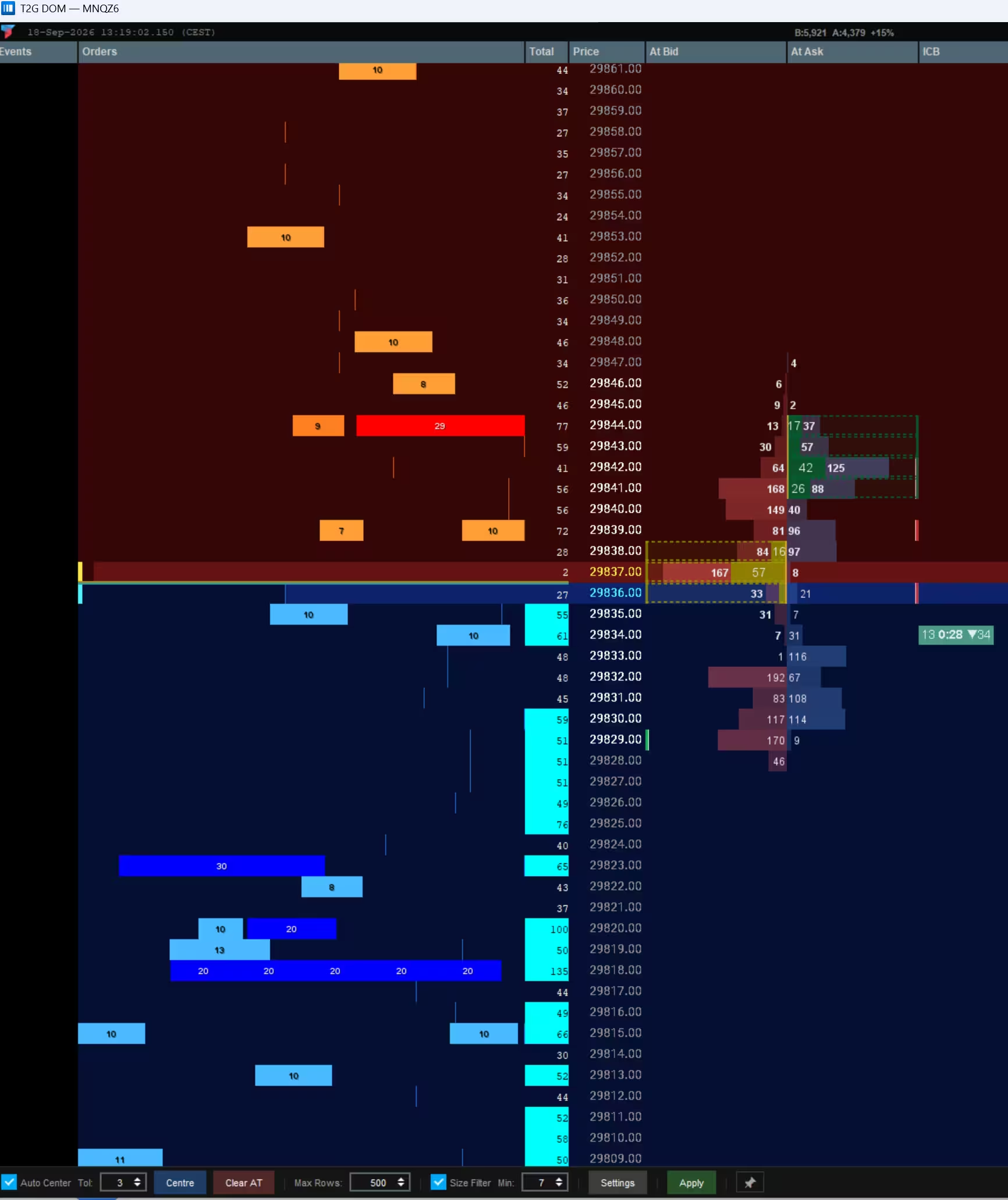
More price levels on screen (Compact mode)
The new Compact mode shows about 50% more price levels at the same book height, while keeping the native tick size. The order bars take less room, and a shortcut switches quickly between Comfort and Compact.
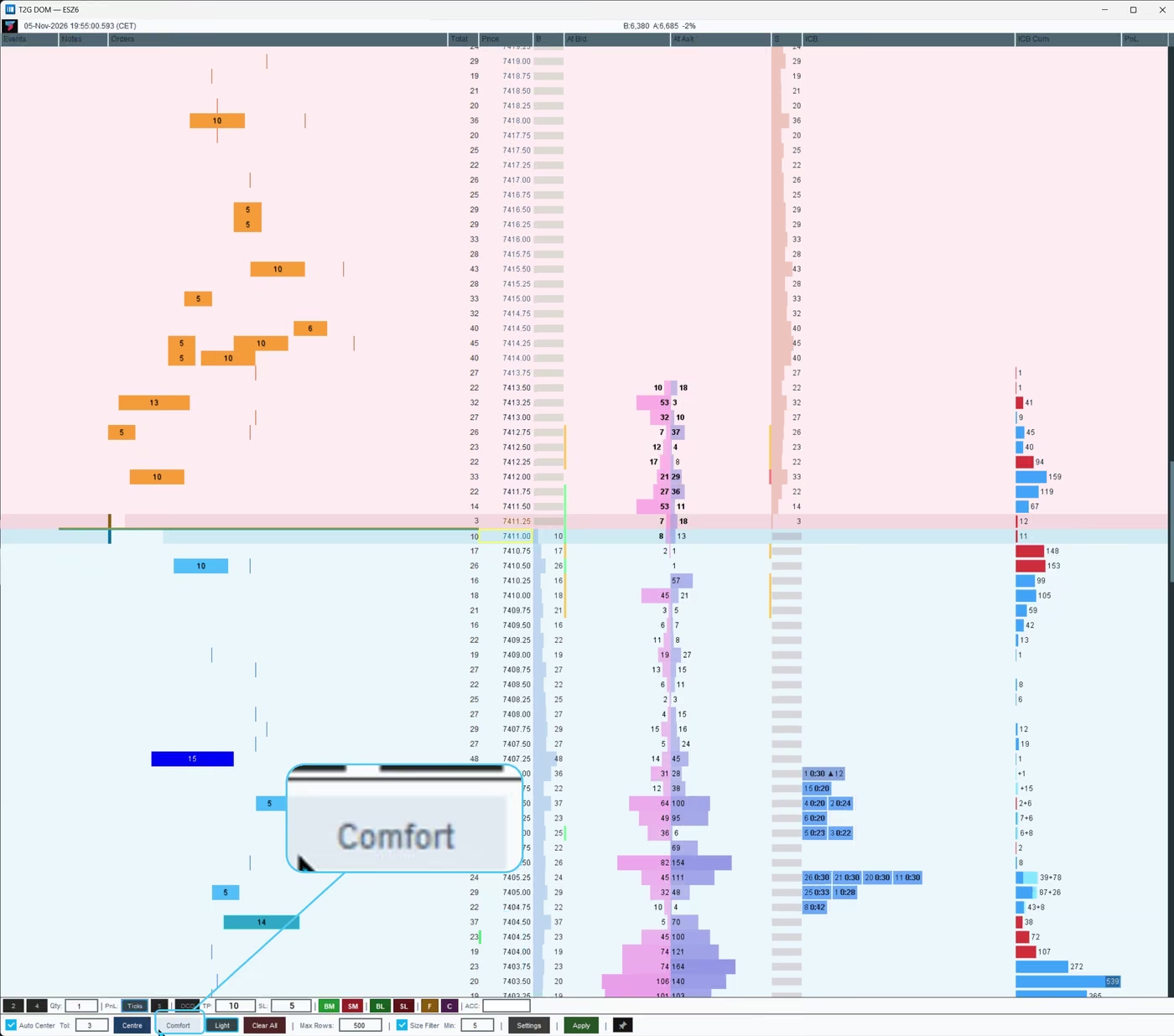
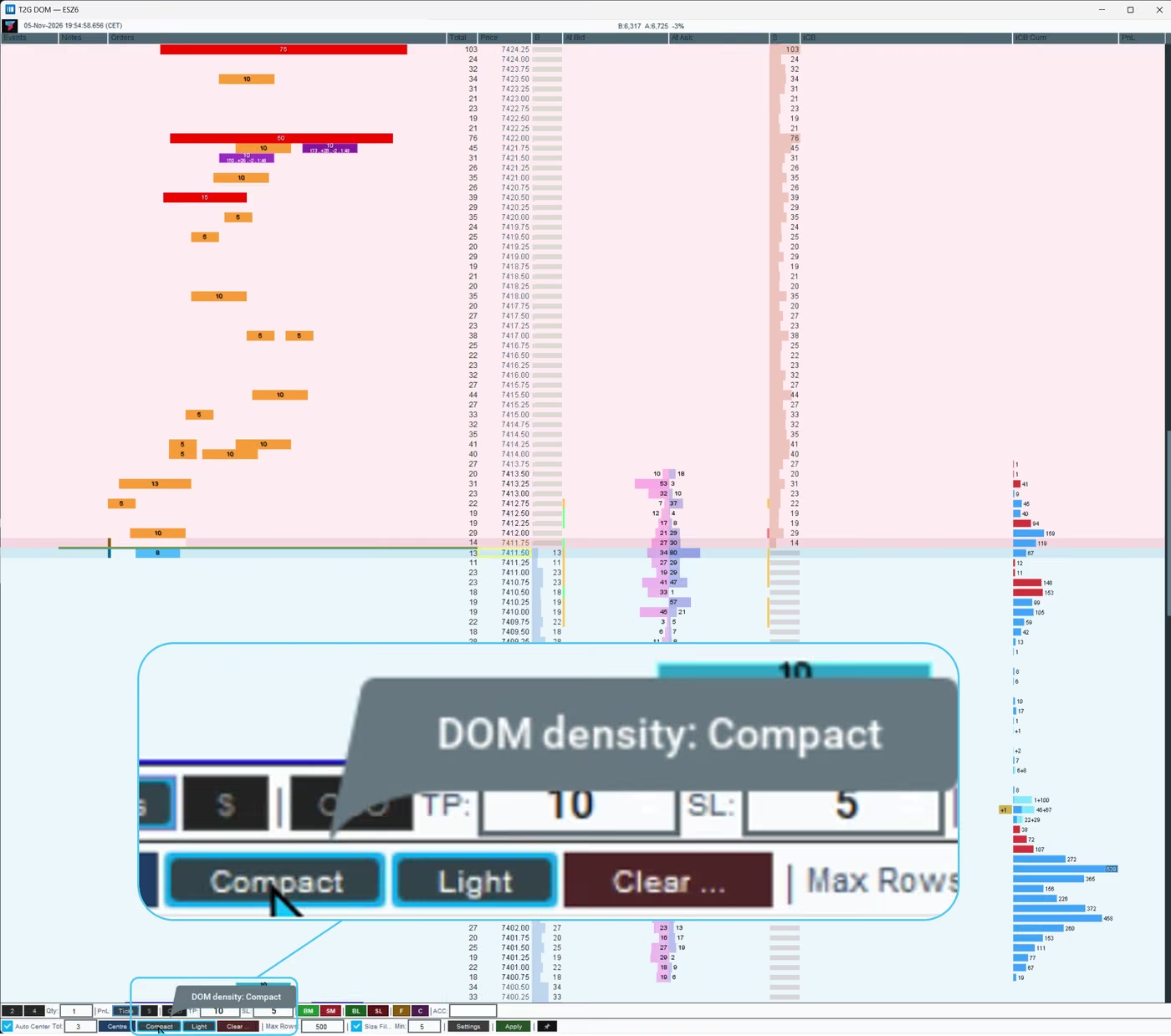
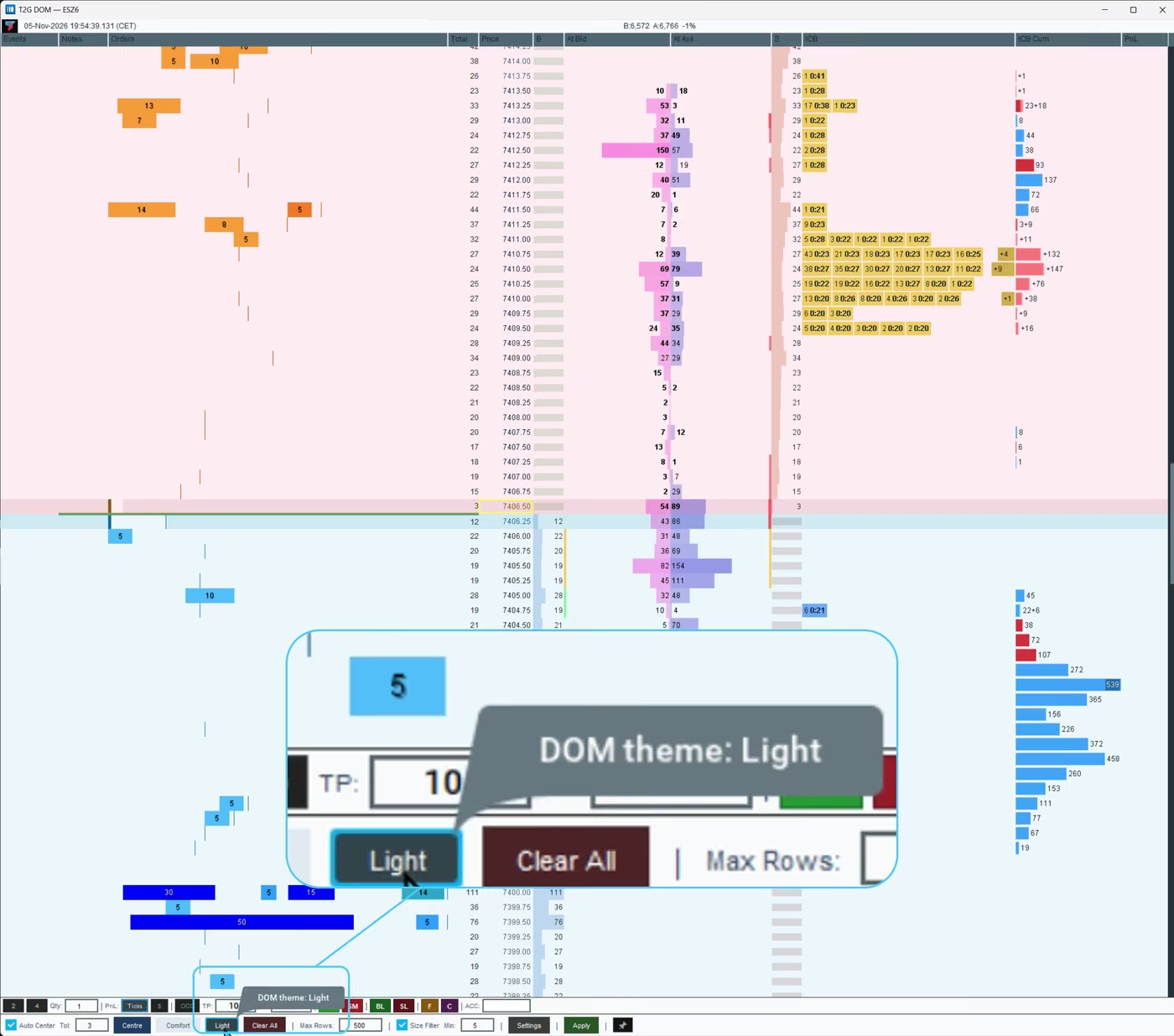
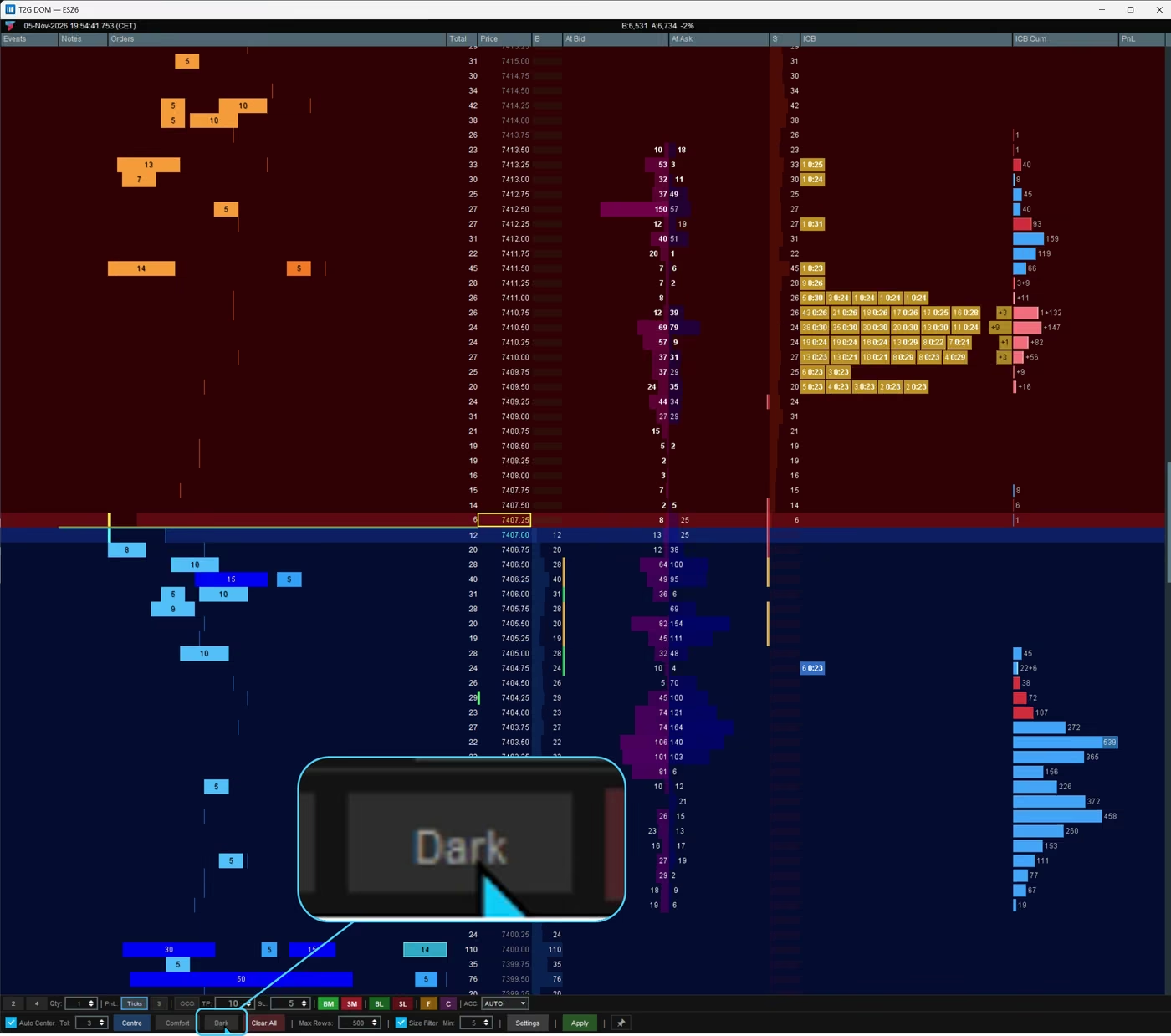
Light and dark themes, and a new Appearance tab
A new Appearance page gathers the visual settings together: theme, density and DOM font. The contrast of Inside Prints, quantities, entry markers and PnL has been improved in the light theme, and an option harmonises the font across the different columns.
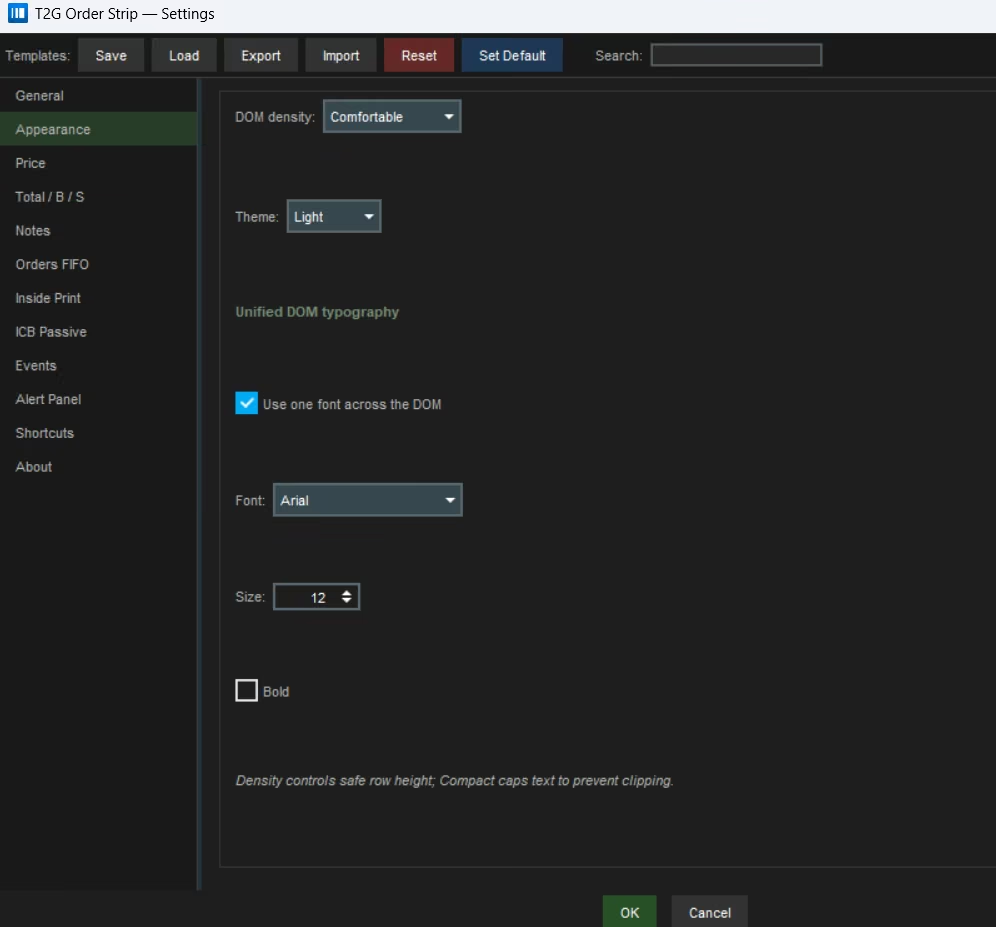
Iceberg badges directly in Orders
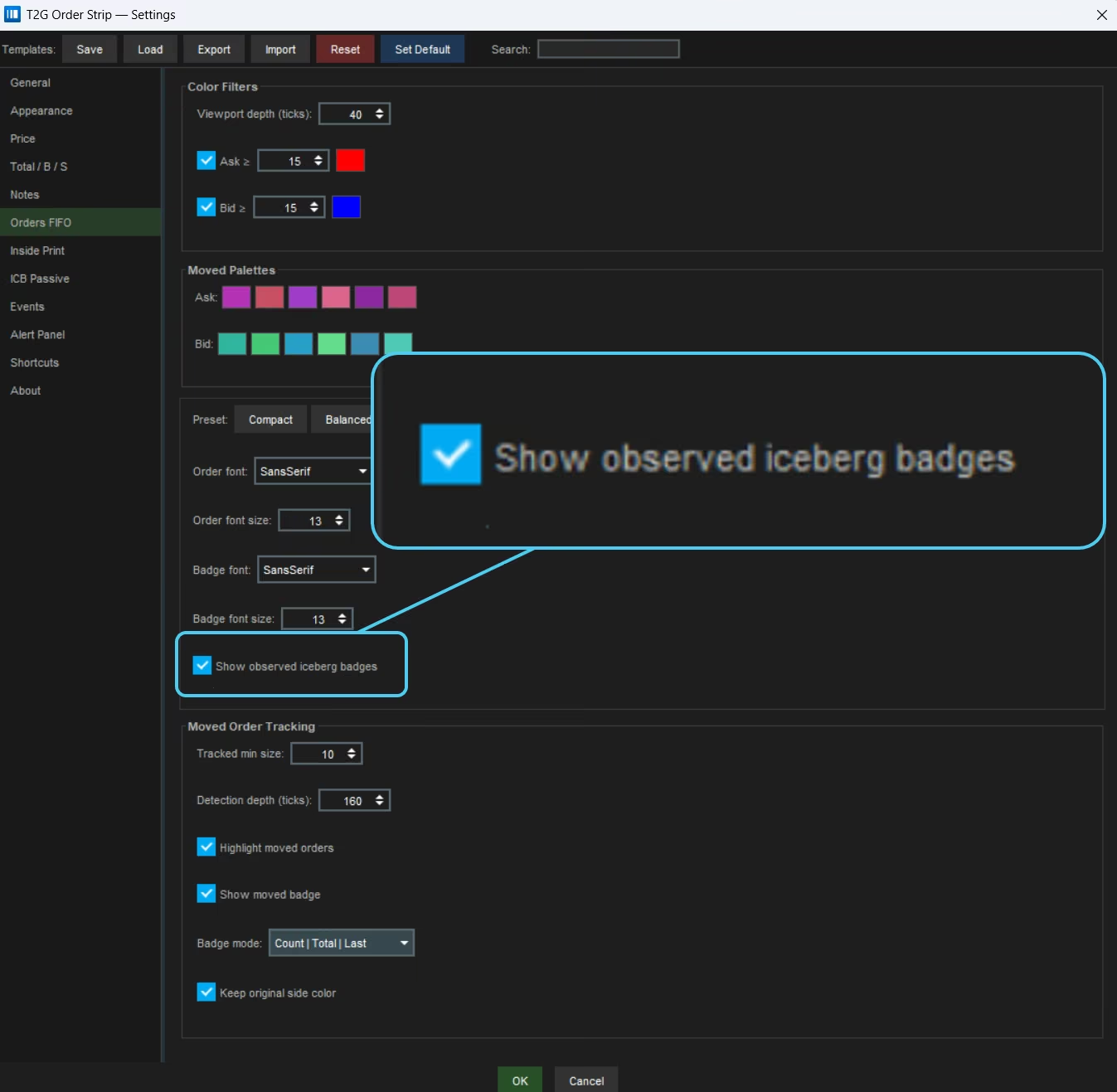
A new option flags orders that show a passive execution followed by an observed replenishment on the same MBO id. The badge can display the cumulative volume absorbed and the visible quantity. It stays with the order when it changes price, and keeps it visible even under the size filter.
Available in Settings → Orders FIFO → Formatting → Show observed iceberg badges.
Protective stops follow the remaining position
After a take-profit or a partial reduction, the quantity of the protective stops is reconciled with the remaining position — a position going from four to three contracts adjusts the matching protection. Partial resizes preserve the price and the OCO links.
A more practical Alert Feed
The window remembers its position, its size and the column widths for each instrument. The main columns keep a readable minimum width, with horizontal scrolling when the available space becomes too small.
Existing settings and templates stay compatible, and the new display preferences can be saved in your templates.
Beta New in beta: tick compression (v4.0.0-beta.6) Execution is disabled while compression is active.
Beta v4.0.0-beta.6 contains every improvement in stable v3.7.87, plus the experimental Tick Compression feature.
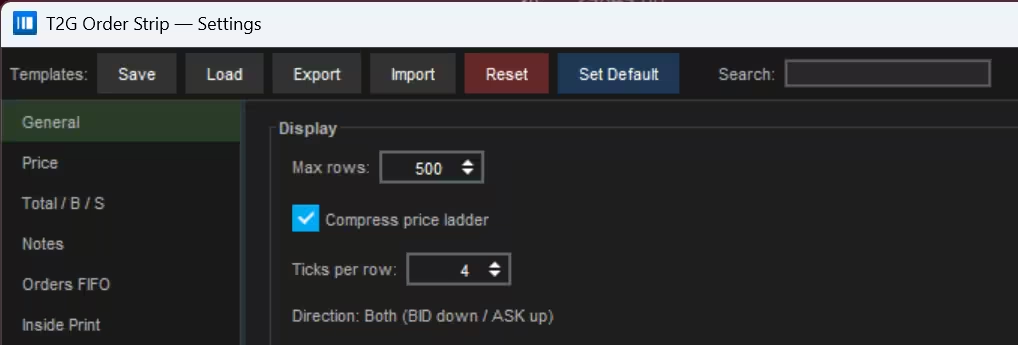
- Price ladder compression groups several ticks on one row to make fast markets easier to read.
- The number of ticks per row is adjustable. Common examples are 4 or 10, depending on the instrument and its volatility.
- The engines keep working on native prices. Sweeps, Stop Cascades, Inside Prints, FIFO and ICB are projected onto the compressed ladder on a best-effort basis.
- The Alert Feed keeps native, uncompressed prices.
Notes column under compression
- The Notes column stays visible while price ladder compression is active.
- Manual notes and notes imported from a CSV are still saved at their native price. In the compressed view, BID notes are shown on the row just below and ASK notes on the row just above.
- Several notes on the same compressed row all remain available, and their native prices are listed in the tooltip. Turning compression off restores the native display.
Execution is disabled while compression is active. This is intentional. To trade from the DOM, turn off Compress price ladder.
v3.7.82 What is new in v3.7.82 Notes, protection orders and spotting the current price.
Automatic CSV note import
T2G DOM can now watch a folder and import the levels held in a CSV file automatically, without opening the Settings.
- Replace / Refresh, the default mode, refreshes the automatic notes from the file.
- Merge / Append keeps the existing levels and adds the new notes, including when several notes fall on the same price.
- Notes added by hand stay independent and are not removed by the automatic import.
- Changes take effect as soon as you click OK.
- The import works in real time and in replay alike.
Inside Print and Events cleared separately
Clear All now clears only the Inside Print content in the At Bid and At Ask columns, together with the temporary events shown in those two columns.
- The Events column is left intact.
- A separate Clear Events Column button has been added in the Settings, to clean the Events column on its own.
Stops and targets move as a group
When a stop or a target shown as a single block holds several distinct orders — after two entries filled separately, for example — moving it now acts on every order concerned. This fixes the case where one contract followed the move while the other stayed at the old price. OCO relations and individual orders are preserved.
Last Traded Price
A new option frames the last executed price directly in the cell of the Price column.
- Turned on or off in the Settings of the Price column.
- Customisable colour.
- Works in real time and in replay.
- Follows the Price column correctly when the column is moved.
- Saved in templates.
The marker is deliberately limited to the Price cell, so that it stays visible without overloading the whole DOM row.
v3.7.81 What is new in v3.7.81 Everything added since the previous public build, v3.7.65.
- Inside Print improved: smoother, steadier display, better synchronised with the market.
- Passive Response Gap (PRG): detects the passive response that follows an impulse, with adjustable settings and colours.
- Lead/Lag ES–MES and NQ–MNQ rebuilt: a truer reading of the lead the micro contract creates, now showing the target level and the executed volume.
- Distinct colours for undefined events: fragmented events, blocks and intermediate classifications are easier to tell apart.
- CSV export per session: each launch of the add-on now writes its own file. In replay, the market timestamp is used.
- New alert sounds: ten more choices for every sound selector.
- Performance: further safeguards to keep Bookmap fluid when several instruments and windows are open at once.
- Many fixes to alerts, events, ICB, Out-of-Spread orders and DOM rendering.
- Licence binding fixed: on machines where the add-on could not save its device file it used to register as a new machine at every launch, which consumed resets. The identity now stays put.
Verify your license
Pre-release for testing. Execution is disabled while tick compression is active. The stable version remains the recommended one.
If you need the current installer, contact info@trading2gether.com with your purchase email.